
Technology & Equipment
The Marshall District Library is a technology hub for the community, offering computers, scanners, printers, free Wi-Fi, and more.
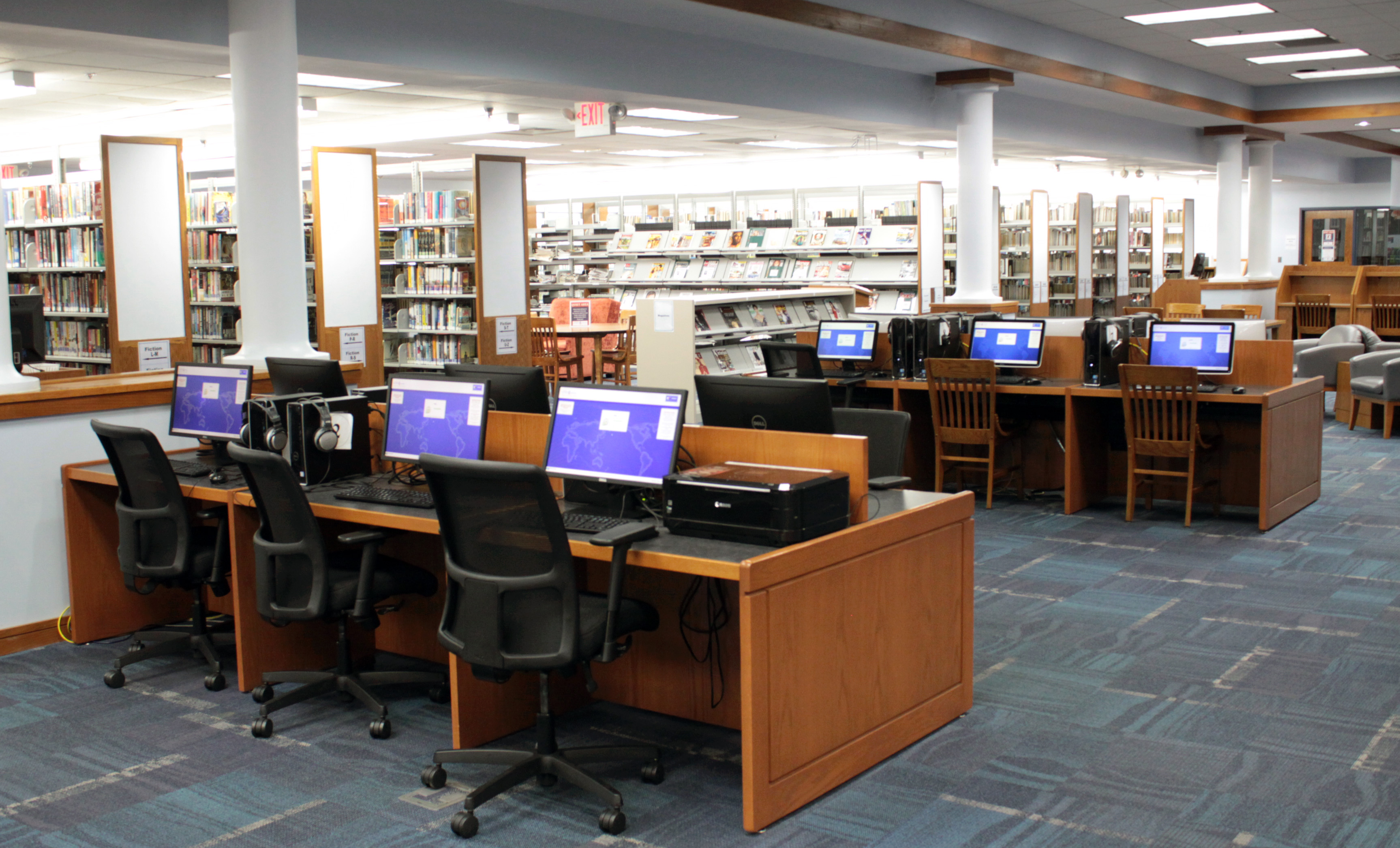
Adult Computers
The Adult Services area features 12 desktop computers with the following specifications:
- Windows 11
- Microsoft Office 2016 Standard (including Word, Powerpoint, Excel, and Publisher)
- Web browsing with Chrome, Firefox and Edge
- Printing in black and white or color
- Scanners at computers 1 & 12
- Some computers have Nitro PDF Pro
Youth Computers
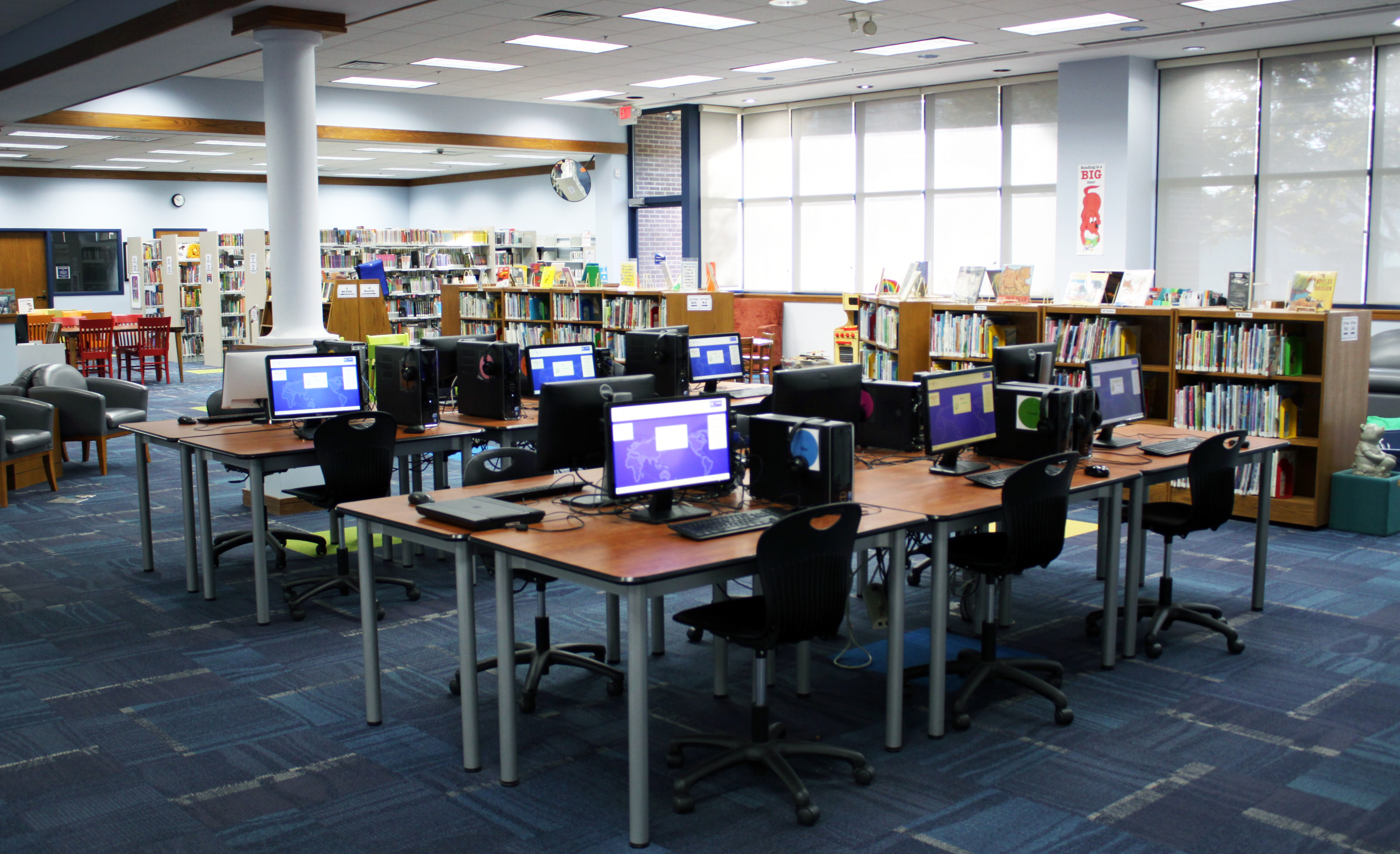
The Youth Services area features 12 desktop computers with the same specifications as the adult computers but with these stipulations:
- All youth computers use filtered web browsing
- Scanner at Yellow Computer
- Reserved for individuals under 18 from 2:30-4:30 on school days
Wi-Fi Access at MDL
Marshall District Library provides free access to the Internet through a public Wi-Fi connection.
What equipment do I need?
- A laptop or mobile device with wireless capability
- A charged battery (some outlets available)
- Headphones if working with audio
Can I print from Wi-Fi?
Yes. If you are a frequent visitor and would like to set up wireless printing from your device(s), please make an appointment with our technology team.
Is it secure?
The library’s Wi-Fi network is not secure. Information sent to or from your device can be captured by anyone with a wireless device and the appropriate software.
Limitations
- The library assumes no responsibility for equipment safety or data
- Staff may not always be able to provide technical assistance
- Users must abide by the Internet Use Policy
You can take WiFi wherever you go! Marshall District Library has mobile hotspots that you can check out in our Library of Things.
Media Conversion Station
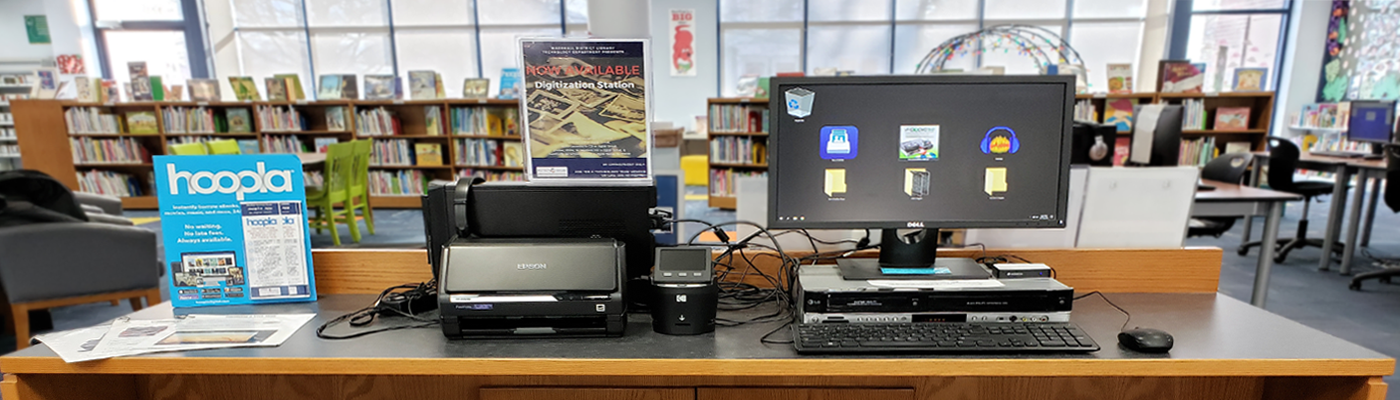
Marshall District Library is proud to offer the community a Media Conversion Station at no charge. In addition to the library’s longtime flatbed scanning capability, the station also features several other pieces of equipment made possible by the generosity of the Marshall Women’s Philanthropic Circle and other individual donors.
By making an appointment with a technology team member, library patrons and visitors may use the station at no cost. The station now has the ability to convert:
VHS Tapes
Cassette Tapes
Photos
Slides & Negatives
Super 8 & 8mm Reels
The station is currently located in the MDL History Center. To make an appointment with the library’s technology department, please call 269-781-7821, ext. 2700 or visit the library.
Copyrighted material may not be converted. Copyrighted materials include but are not limited to feature films, television shows, or music albums. Only home movies, photos, and audio tracks recorded personally may be converted. If unsure about the copyright status of an item, a librarian will assist.
Other Equipment
Laptops
Available for programs, test proctoring, and video conferences/interviews
Color Copier
1 color copier available — more info about printing services
Digital Microfilm
Microfilm machine available in the MDL History Center
Important Usage Policies
Patrons are expected to adhere to the following guidelines while using the library’s equipment: